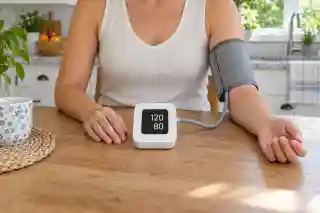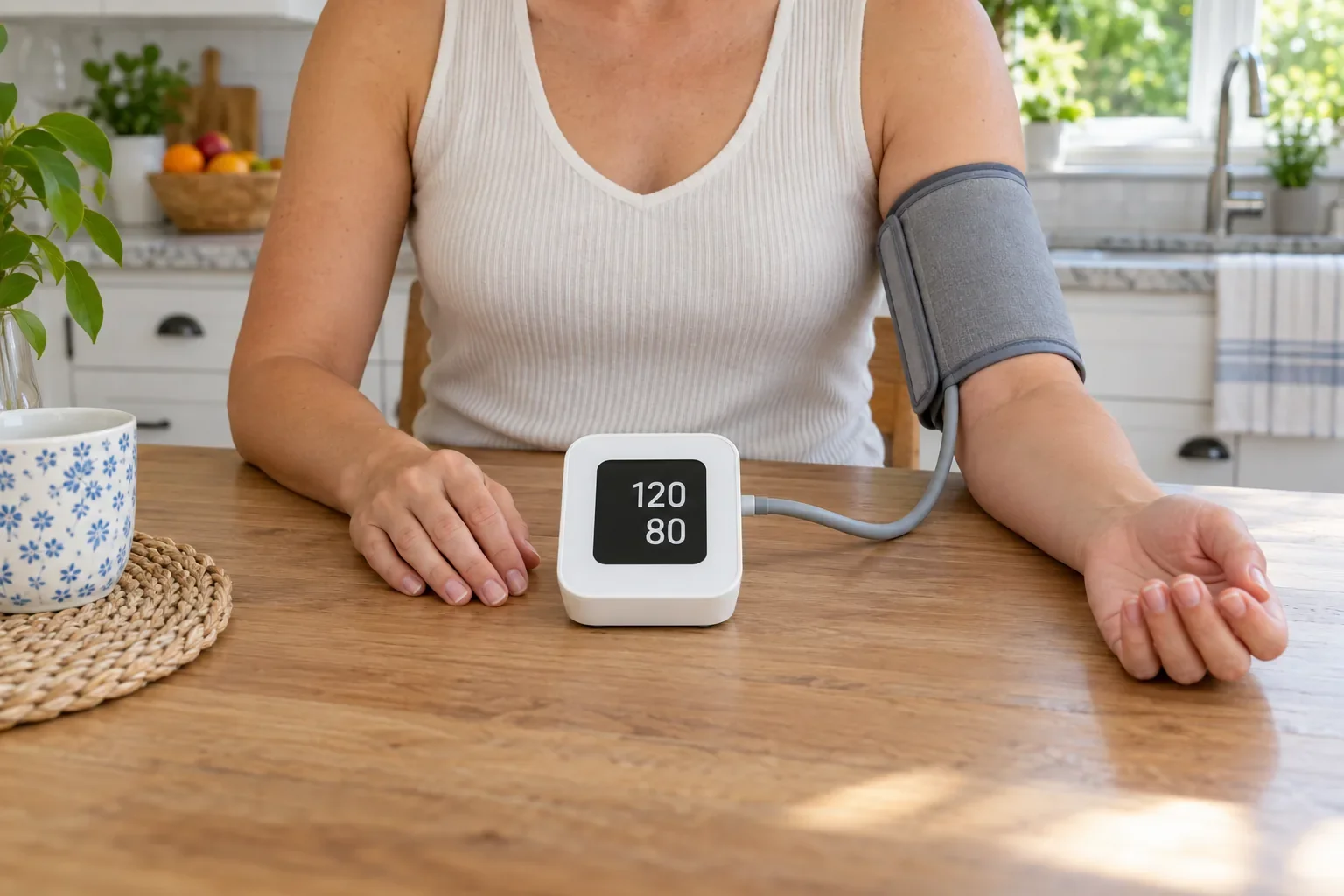
Keep a blood pressure diary
Record readings from your monitor, follow your history and share a report with your GP.
Free. No adverts. No account needed to start.

Also runs in your browser.Open the web app
Keep a record you can look back on
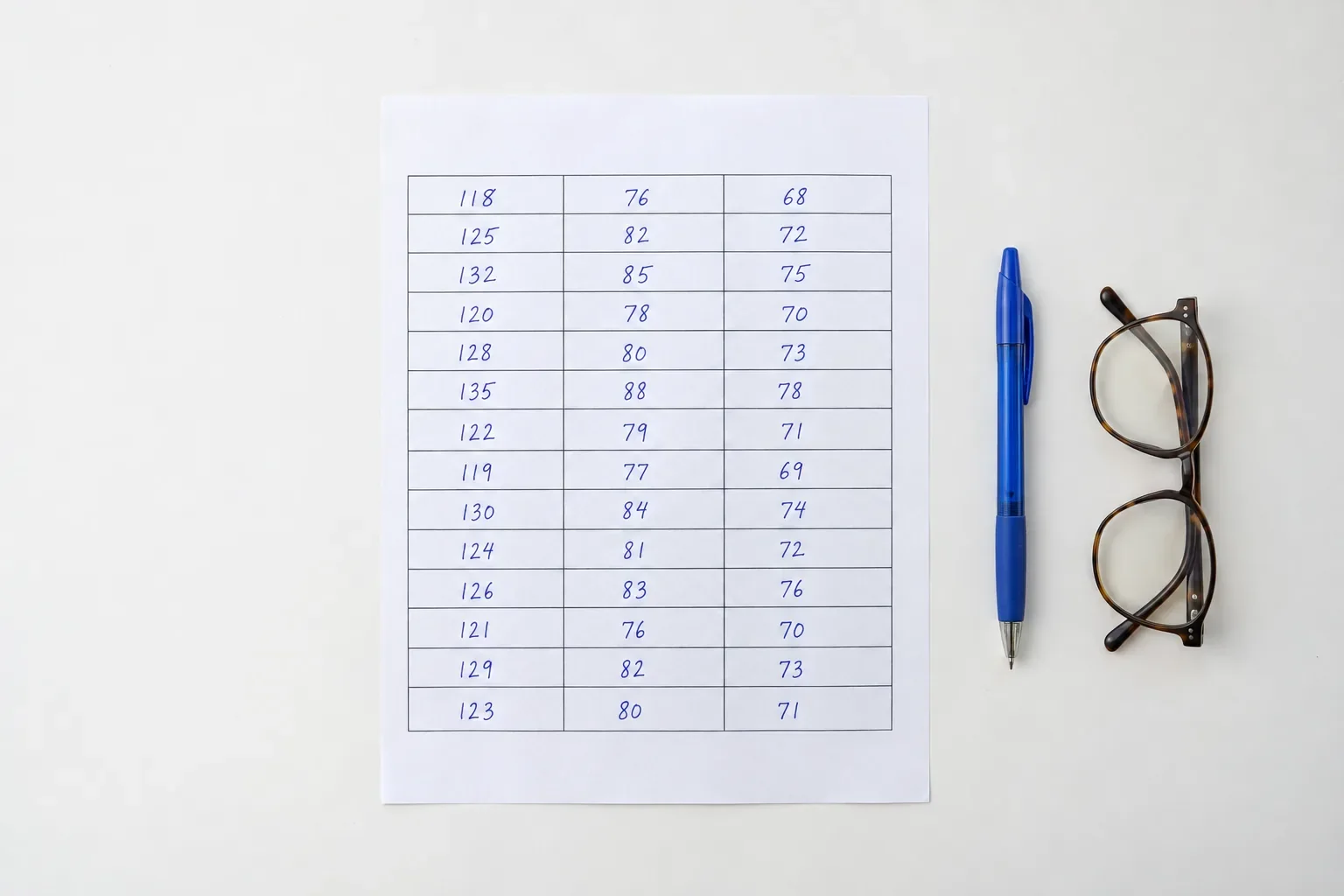
See the diary you have built
After two weeks, your readings, times and notes sit together in one diary. Choose the dates for your appointment and share a report that clearly distinguishes readings from your monitor, manual entries and camera estimates.
Use the monitor you already have
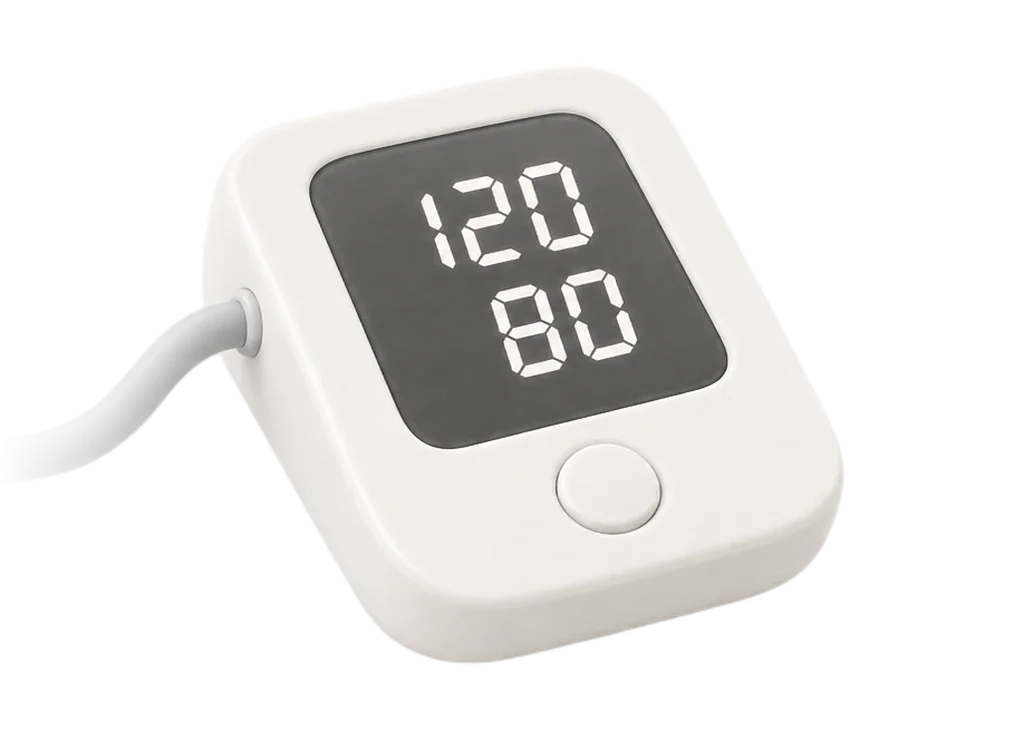
Photograph your monitor's display or enter the numbers yourself. The diary, charts, reminders, sync and reports for dates you choose are free, with no adverts. Camera estimates are optional.
Before you start
Does my monitor need to connect to the app?
No. Photograph its display and check the numbers, or enter a reading yourself. BP Diary does not connect to your monitor by Bluetooth.
Can I bring in readings from another app?
You can import a diary exported by BP Diary as CSV or JSON. Imports from Apple Health or a monitor manufacturer's app are not supported. You can enter earlier readings manually and set their date and time.
What does the camera do?
A face scan gives a blood pressure estimate, not a cuff measurement. Calibration uses a cuff reading before and after a camera scan to personalise those estimates. Confirm important readings with a cuff. You do not need to use the camera to keep a diary.
What does it cost?
Recording, calibration, history, charts and reports are free, with no adverts. Reminders on your phone and sync between your devices are free too.
Where does my data live?
Your diary is stored on this device. If you sign in, your readings and profile also sync through your account. You can export readings or delete your data in Settings. The Privacy Policy explains face-scan processing.
Does it work offline?
Your saved diary, charts and reports work offline. If you are signed in, changes sync between your devices when you are online again.
Which thresholds does it use?
Choose ESC 2024 home ranges or AHA/ACC 2025 categories in Settings. The choice changes category names and colours, not your readings. Your region suggests the starting reference. A category is not a diagnosis or your personal treatment target.
Will it run on my phone?
The Android app is available now, with the iPhone app coming soon. You can also open your diary in a browser on a phone, tablet or computer. Sign in with the same account to see the same diary on every device.
Free blood pressure tools
Check one reading, calculate an average, print a blank diary or estimate mean arterial pressure.
Questions about your readings